How to Record a Meeting on iPhone and Get a Transcript (No Bot)
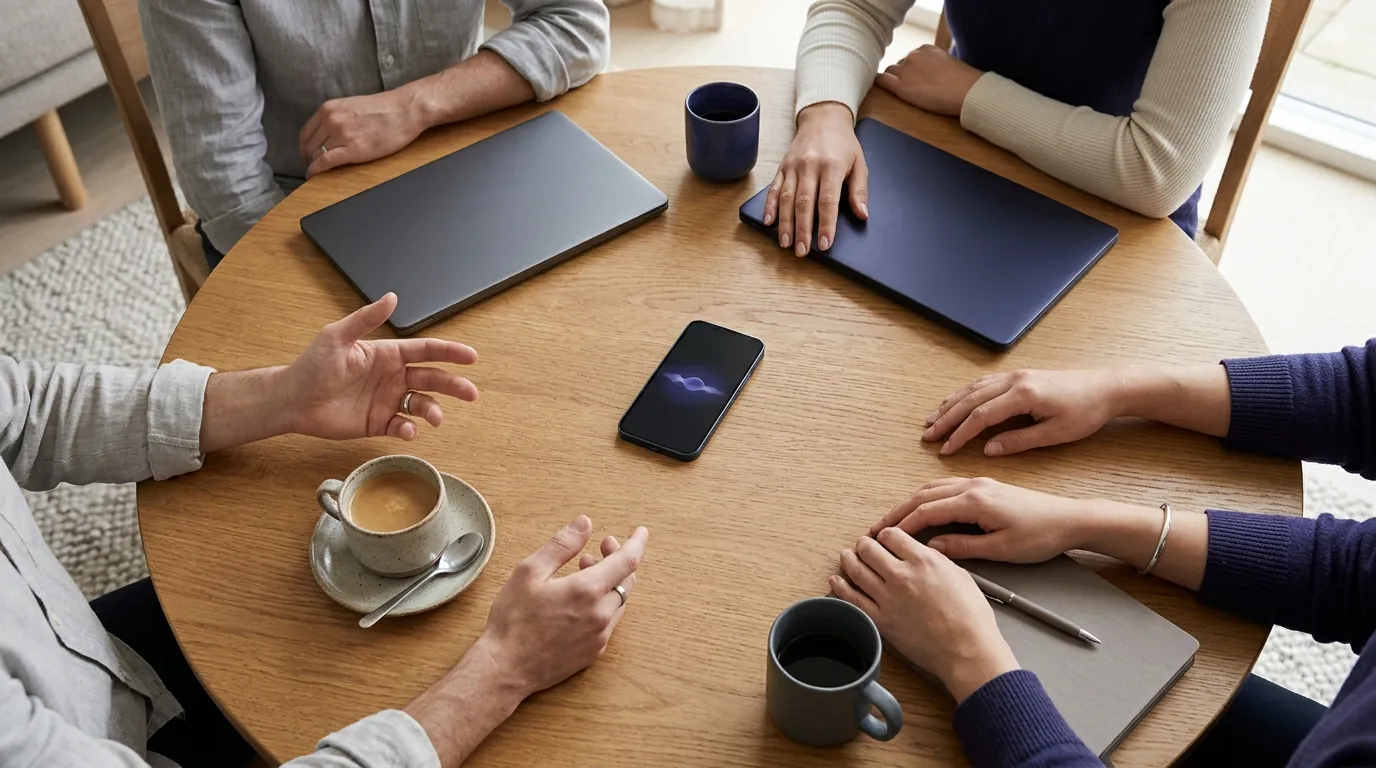
To get a meeting transcript without a bot joining the call, record the conversation with your iPhone and let a transcription app turn the audio into text. Put the phone in the middle of the table for an in-person meeting, or beside your laptop's speaker for a video call, tell everyone you're recording, and the transcript is ready soon after you stop.
That's the whole method. The rest of this guide covers the details that decide whether you end up with a clean, usable transcript or an hour of muffled audio: where the phone goes, how to handle calls, consent, and what to do with the text afterward.
Why record from your phone instead of using a meeting bot
Meeting bots join a video call as an extra participant and record it from inside. They work, but they come with friction:
- Everyone sees an unfamiliar attendee in the call, and some people and companies don't let bots in at all.
- They only cover online calls. The client lunch, the hallway decision and the in-person standup get nothing.
- The audio usually goes to a service's servers to be transcribed and stored.
A phone on the table avoids all three. It works the same in a conference room, a café or next to a laptop, and nobody has to let anything into the call. If the transcription happens on the phone itself, the recording never leaves your hands.
The trade-off is worth knowing: a bot gets the call's audio directly, while your phone hears the room. Placement matters more, which is what most of this guide is about.
Before the meeting
Tell people and ask
Say at the start that you'd like to record so you can take accurate notes, and wait for a yes. In the US, federal law and most states allow recording a conversation you're part of, but some states, including California, Florida and Illinois, generally require everyone's consent, and rules differ by country. The safest practice everywhere is to tell people and ask. Our guide on whether it's legal to record a conversation has more; it's general information, not legal advice.
Do a quick test
Record a few words from the farthest seat and play them back. If you can understand them easily, so can speech recognition. Check that the phone has enough battery and free storage for a long session.
Keep interruptions out
A phone call pauses a Hushtext recording instead of ending it, but it still leaves a gap in your notes. For a meeting that matters, turn on Airplane Mode: calls and most notifications stop, and on-device transcription keeps working without a connection.
In-person meetings: where to put the phone
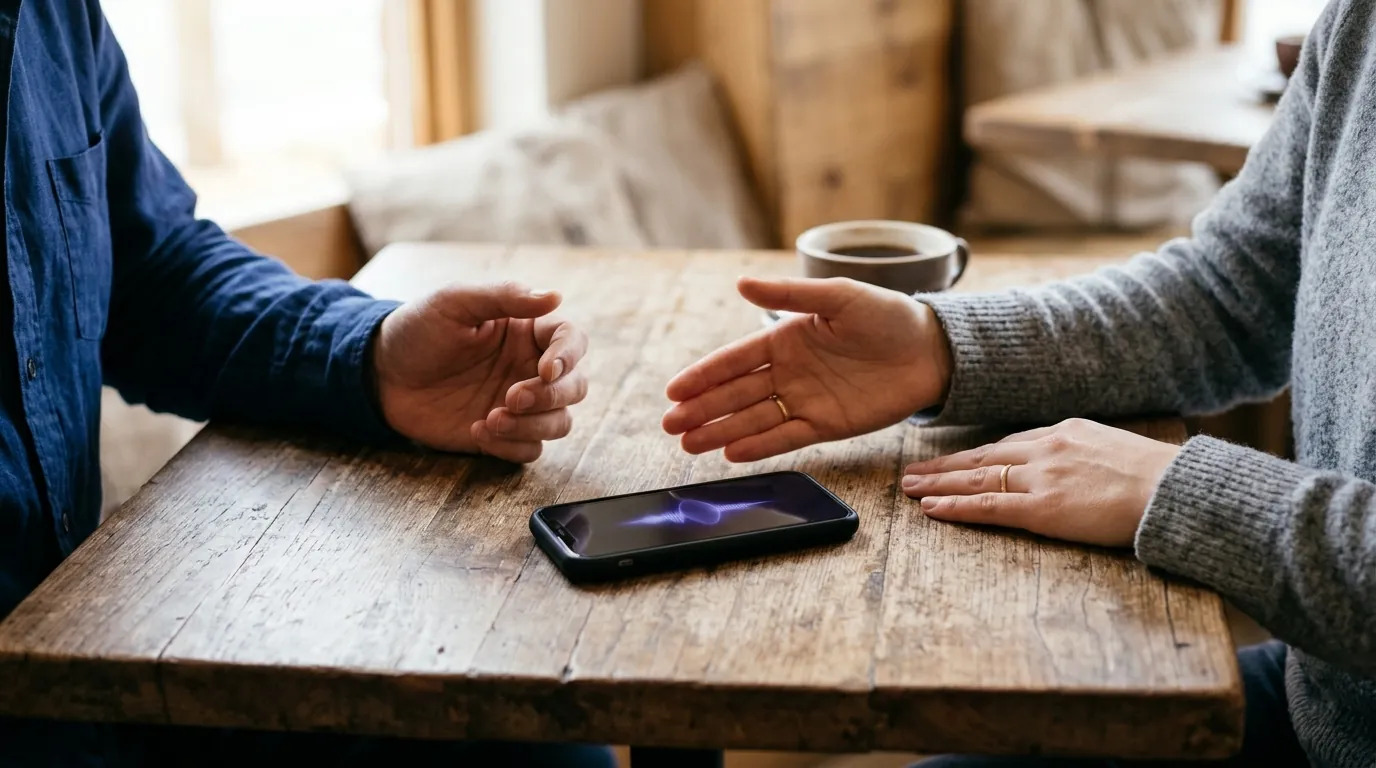
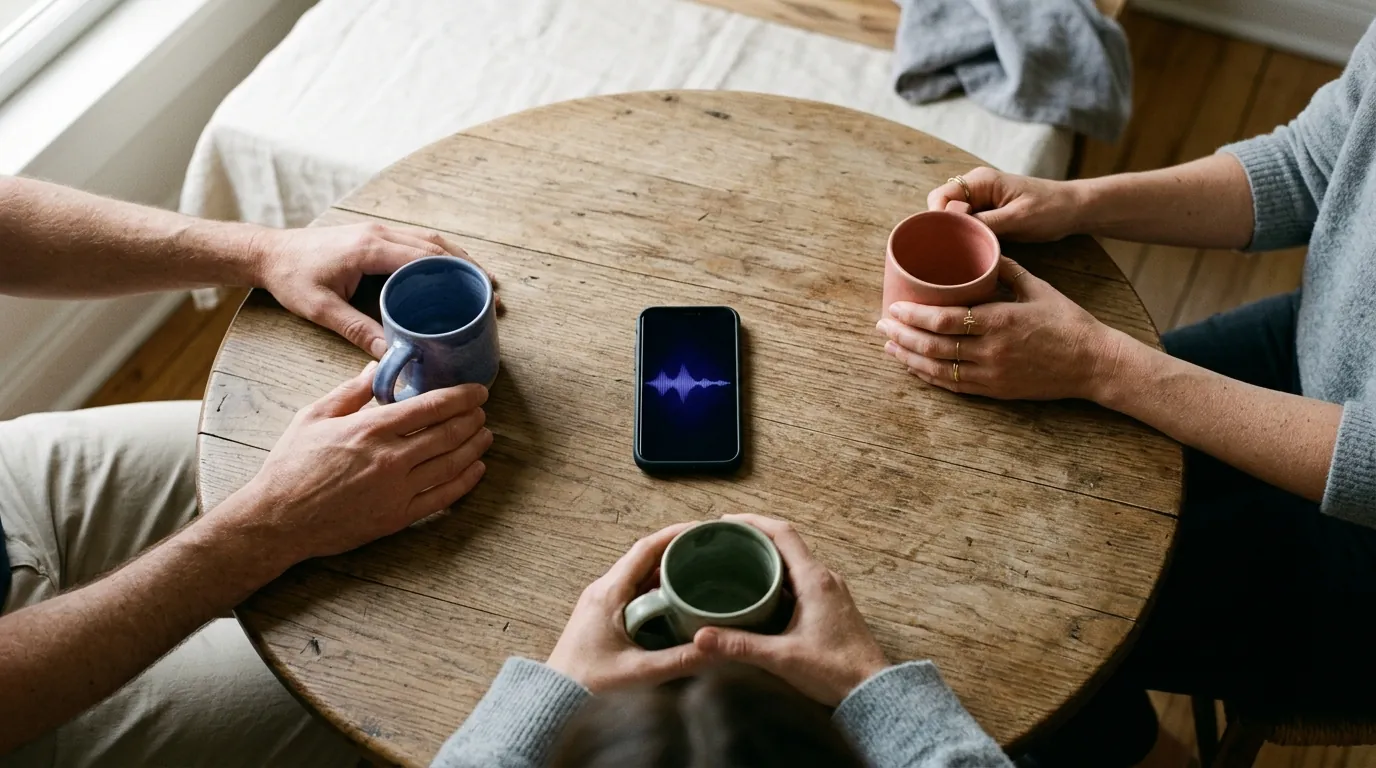
- In the center of the table, at a similar distance from everyone who will talk. One phone in the middle beats a phone in front of whoever runs the meeting.
- With nothing on top of it. Don't tuck it under papers, a laptop or a notebook, and keep its bottom edge, where the main microphone sits, uncovered.
- On something soft. A folded napkin or a closed notebook under the phone damps the thumps from pens, cups and elbows that travel through the tabletop.
- Away from noise. Projector fans, air vents, the coffee machine and an open door all end up in the recording.
- Closer to the quiet talkers. If one person speaks softly, move the phone toward them or seat them near it. Big differences in volume hurt both the text and the speaker labels.
In a room bigger than one table, a single phone will struggle with the far end. Ask people to speak up, or keep the phone near the group doing most of the talking.
Video calls on a laptop: record without joining
You don't need a bot to transcribe a video call. Your phone can listen to your laptop.
- Use the laptop's speakers, not headphones, so the phone can hear the other side.
- Turn the call volume up a little louder than you normally would.
- Put the phone close to the speaker but not touching the laptop, and away from the keyboard. Typing is loud at close range.
- Sit so the phone is roughly between you and the laptop, so it hears both your voice and the call.
If the meeting software saved a recording, with everyone's knowledge, you can transcribe that file instead: import the audio or video into Hushtext, or share it from Files or another app, and it's transcribed on the phone like any other recording. That usually sounds cleaner than audio picked up from a speaker.
During the meeting
- Start recording before the first word. In Hushtext, a Control Center control can start a recording, and Siri can start a note too, so you don't have to hunt for the app while people sit down.
- Glance at the live text. Text appears every few seconds as people speak, so you'll know early whether the phone hears everyone.
- Pause for off-the-record moments. The Live Activity on the Lock Screen and in the Dynamic Island has Pause and Stop buttons, so you can pause from the Lock Screen and pick it back up when you're on the record again.
- Do a round of names at the start. "Quick intros, name and role" gives every speaker a clear first turn and makes it easy to match Speaker 1 and Speaker 2 to real people later.
- One voice at a time. Crosstalk is where every transcript falls apart, human or machine. A good facilitator helps the transcript as much as the meeting.
Long meetings are fine. The recording is saved continuously and keeps transcribing in the background, so locking the phone or the app closing doesn't cost you the meeting.
After the meeting: speaker labels, cleanup and minutes
When you stop, the transcript is almost ready, because it was written while people talked. Then:
- Identify speakers. Speaker labels ("Speaker 1", "Speaker 2") show who said what, for recordings up to 90 minutes. If you know how many people spoke, say so; it's the single best way to get clean labels.
- Rename the speakers to real names, using the intros from the start.
- Fix names and jargon. Touch and hold a word to correct it, or use Find and Replace for a name that's wrong all the way through. Add recurring names and terms to the custom vocabulary so the next meeting is more likely to get them right.
- Check what matters. Tap any word to hear that moment. It's the quickest way to confirm a number, a date or who agreed to what.
- Write the minutes. Pull out the decisions and action items; our guide to writing meeting minutes from a transcript has a template. With Pro, Apple Intelligence can draft a summary and to-dos on iPhones that support it.
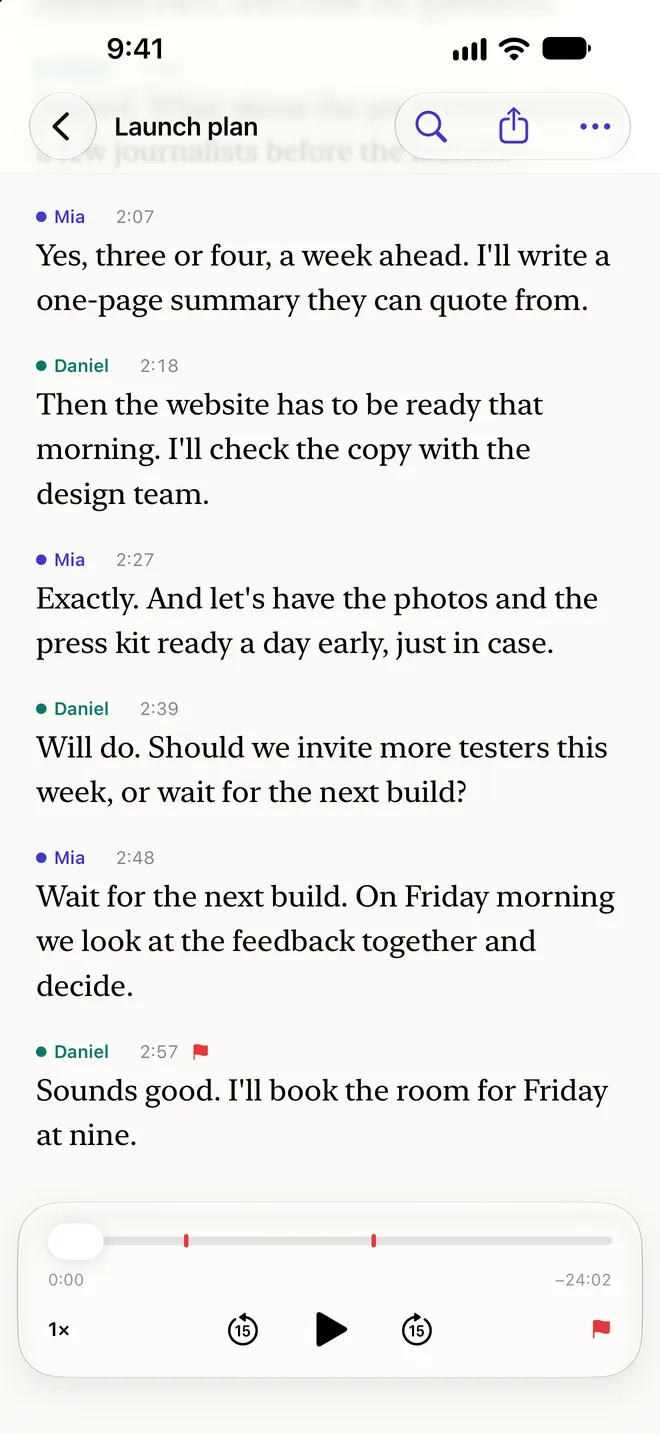
If the labels mix two people up, our explainer on how speaker diarization works shows why it happens and how to prevent it next time.
What to expect
- Device: transcription needs iPhone 13 or later, or an iPad with an A15 or M1 chip or later.
- Free vs Pro: your first 3 recordings are transcribed in full for free; after that, free transcribes the first 3 minutes of each recording. Pro transcribes meetings of any length.
- Privacy: speech recognition is Whisper, running entirely on the device. The audio and text never leave it, and there's no account or sign-in.
FAQ
Can I record a meeting on iPhone without anyone knowing?
A phone on the table doesn't announce itself, but you should still tell people. Several US states and many countries require everyone's consent, and asking first is the safest practice everywhere.
Does transcribing a meeting need an internet connection?
Not with on-device transcription. Hushtext runs Whisper on the iPhone, so it works offline, including in Airplane Mode.
How long a meeting can I record?
Long meetings keep recording and transcribing in the background, and the audio is saved as it goes. Speaker labels cover recordings up to 90 minutes, so for an all-day session, start a new recording at a natural break.
Can my iPhone transcribe a video call on my laptop?
Yes. Play the call through the laptop's speakers and put the phone next to them, or import the call's saved recording if there is one. No bot has to join.