
What Is Speaker Diarization? How Transcripts Know Who Said What
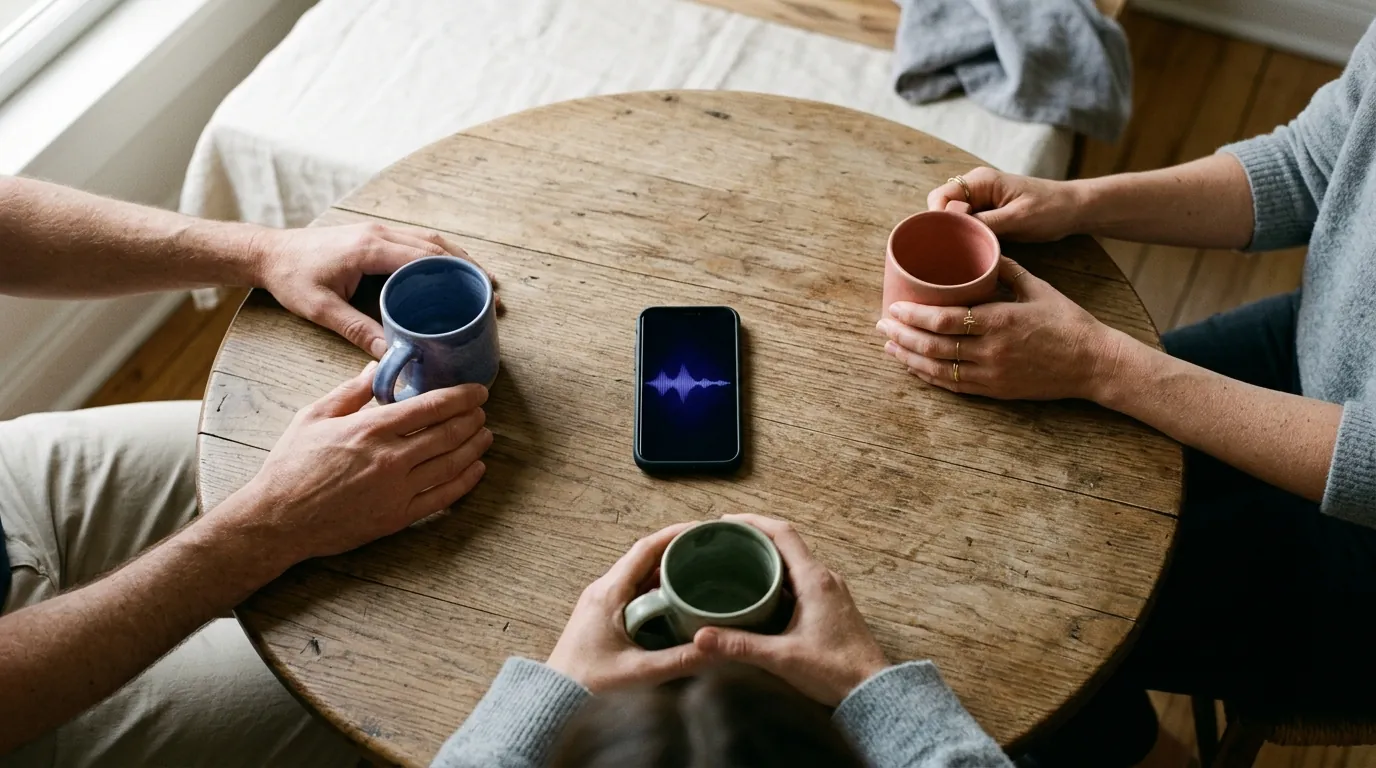
Speaker diarization is the process of working out "who spoke when" in a recording. It splits the audio into stretches of speech and groups them by voice, so a transcript can label each part Speaker 1, Speaker 2 and so on. It doesn't know anyone's name, only which parts sound like the same person; you add the names.
The word comes from "diary": the system keeps a log of who had the floor at each moment. Combine that log with a transcript and you get a readable conversation instead of a wall of text.
Diarization, transcription and speaker recognition
Three related jobs often get mixed up:
| Task | Question it answers | What you get |
|---|---|---|
| Transcription | What was said? | Words with timings |
| Speaker diarization | Who spoke when? | Time ranges labeled Speaker 1, Speaker 2… |
| Speaker recognition | Is this a specific, known person? | A match against voices it has heard before |
Transcription and diarization usually run as separate steps, and the results are joined by time: each word gets the label of whoever was speaking at that moment. Speaker recognition is a different job. It needs a sample of a known person's voice to compare against. Diarization needs nothing in advance, which is exactly why it can't put names on anyone by itself.
How speaker diarization works
Most systems follow the same three steps.
1. Find the speech
First, the system finds where someone is talking and where the speech changes hands. Silence, music and noise are set aside, and the speech is cut into short segments, each ideally holding a single voice.
2. Fingerprint each segment
Each segment is turned into a voice "fingerprint," called an embedding: a list of numbers that describes what the voice sounds like rather than what it says. Two segments from the same person produce similar fingerprints; segments from different people produce different ones.
3. Group the fingerprints
Finally, the fingerprints are clustered. Similar ones go into the same group, and each group becomes a speaker. This is also where the system decides how many people were talking. If you tell it the number, it doesn't have to guess, which removes one of the most common errors.
The speaker groups are then lined up with the transcript, and consecutive stretches from the same person become paragraphs.
Why speaker labels go wrong
Diarization handles clear, turn-taking conversation well and real life less well. These are the usual failure cases:
- Overlapping speech. When two people talk at once, a segment holds two voices and its fingerprint matches neither cleanly. Interruptions and "mm-hm"s over someone's sentence are the classic source of mislabeled lines.
- Similar voices. Two people with a similar pitch and speaking style can end up in one group, especially in a short recording.
- Very short turns. "Yes." "Right." "Exactly." A one-word reply carries too little audio for a reliable fingerprint, so short turns often get attached to the speaker before them.
- One person, two sounds. The same person reading aloud and then chatting, laughing, turning away from the phone or walking across the room can sound different enough to be split into two speakers.
- The wrong count. Guessing the number of speakers is hard. Guess too few and voices merge; too many and one person is split.
- Noise, echo and music. Anything that isn't a voice blurs every fingerprint.
- Voices through a loudspeaker. On a video call played through laptop speakers, every remote voice passes through the same compressed audio and the same small speaker, which makes them sound more alike.
How to get better speaker labels
- Tell it how many people spoke. If your app lets you set the number of speakers, do it. It's the single biggest improvement, because it removes the guessing step.
- Use one phone in the middle. Put the recorder at a similar distance from everyone. A voice that's much louder or quieter than the rest is harder to group correctly.
- Start with introductions. A round of "name and role" gives each voice a clean, longer first turn, and it makes matching labels to names easy later.
- Take turns. A facilitator who keeps people from talking over each other improves the transcript and the speaker labels at the same time.
- Keep the room quiet. Close the door, move away from the air vent and turn off background music.
- Leave the phone where it is. Moving the recorder halfway through changes how every voice sounds to it.
- Split very long sessions. For a workshop that runs all day, start a new recording at each break instead of recording everything in one file.
- Rename, then spot-check. Rename the labels to real names, then listen to a few speaker changes, especially short replies and interruptions.
For recording quality in general, see our tips to improve transcription accuracy. Better audio helps the words and the speaker labels alike.
Speaker labels in Hushtext
Hushtext labels speakers on the iPhone or iPad itself, so the audio never leaves the device, and it works offline. Speaker labels are available for recordings up to 90 minutes. When you identify speakers, you can let it work out how many people spoke or tell it the number yourself, and you can rename "Speaker 1" and "Speaker 2" to real names.
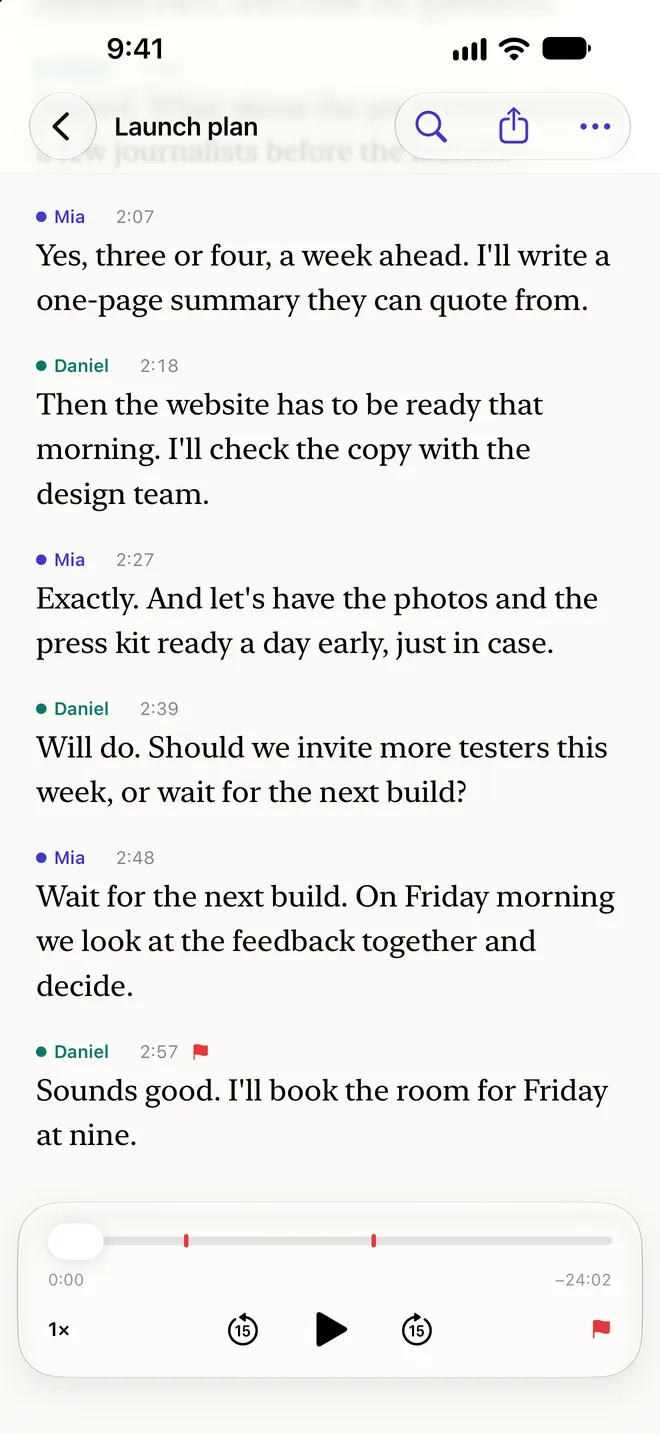
To check a label, tap any word in the transcript to hear that moment. It's the quickest way to settle "did she say that, or did he?" before you quote anyone. Meetings and interviews are where this matters most; see our guides to transcribing meetings without a bot and transcribing interviews.
How diarization is measured
Researchers score diarization with diarization error rate (DER). It adds up the time where speech was missed, where something that wasn't speech was counted as speech, and where speech was given to the wrong speaker, then divides by the total speech time. Lower is better.
DER is useful for comparing systems on the same test audio, but a single number says little about your own recording. A system that does well on clean studio conversations can still struggle with your noisy kitchen-table meeting. The practical test is simpler: read the transcript, listen to a few speaker changes, and see whether the turns make sense.
FAQ
What is the difference between speaker diarization and speaker identification?
Diarization groups speech by voice without knowing who anyone is, which produces labels like Speaker 1 and Speaker 2. Speaker identification compares a voice with known, previously recorded voices in order to name a person.
Can speaker diarization tell me people's names?
No. It only knows which segments sound like the same voice. You rename the labels yourself, and a round of introductions at the start of a recording makes that easy.
Why does my transcript show more speakers than there were?
The system probably split one person into two, usually because their voice changed (laughing, moving, reading aloud) or the recording was noisy. Telling it how many people spoke usually fixes this.
Does speaker diarization work offline?
It can. Diarization can run entirely on a phone; Hushtext labels speakers on the device, so it works without a connection.