How to Transcribe an Interview (Fast and Accurately)

To transcribe an interview, record it cleanly, let speech recognition write a first draft with speaker labels, and then check every quote you plan to use against the audio. A machine draft gets you most of the way in minutes; your time goes into the final pass on names, numbers and exact wording.
This guide is for journalists, researchers, podcasters and anyone else who needs quotes they can stand behind.
Before the interview
Ask, and get the yes on tape
Ask before you start, then ask again once the recording is running: "Is it OK if I record this?" Having the answer on the recording protects you both. Consent rules differ: in the US, federal law and most states allow recording a conversation you're part of, but some states, including California, Florida and Washington, generally require everyone's consent, and other countries have their own rules. The safest practice is always to tell people and ask. See is it legal to record a conversation for general information (not legal advice).
Get the spellings on tape too
Ask your interviewee to say and spell their name and title at the start. You'll have the correct spelling when you need it. Before the interview, if your app has a custom vocabulary, add their name, company names, places and jargon to it, so they're more likely to come out right the first time.
Remove interruptions
Charge the phone and check free storage. If your transcription runs on the device, turn on Airplane Mode: calls and most notifications can't break in, and transcription keeps working without a connection.
Recording setup
In person
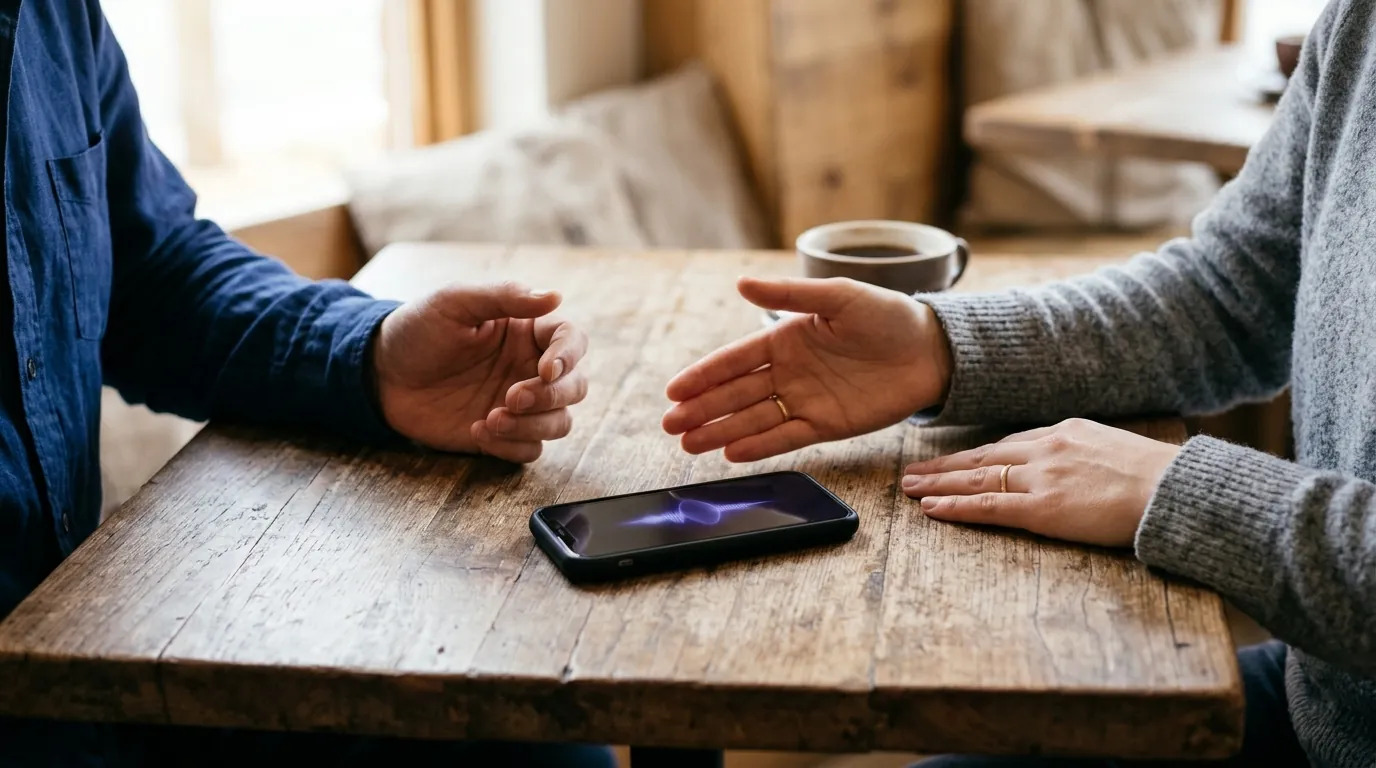
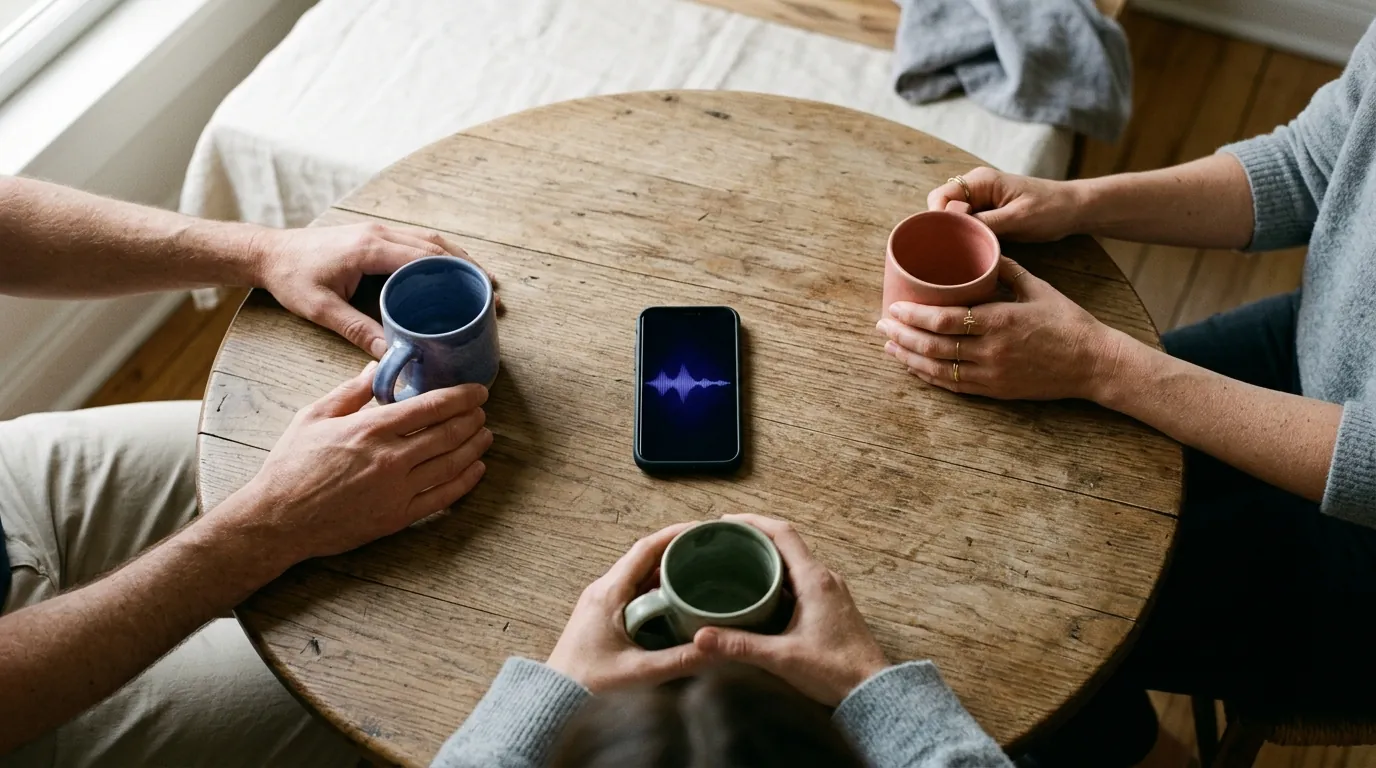
- Put the phone between you, a little closer to the interviewee. Their words are the ones you'll quote.
- Pick the quietest room you can. Cafés are hard: espresso machines, clattering dishes and background music, especially music with lyrics, all compete with the voice.
- Set the phone on something soft, like a notebook, rather than directly on a table you'll be tapping.
- Don't hold it or pass it back and forth. Handling noise is loud at close range.
Remote
- For a video call, play the call through your laptop speakers and put the phone next to them, away from the keyboard.
- If the call software saves a recording, with your interviewee's permission, transcribe that file afterward instead. It usually sounds cleaner than audio picked up from a speaker.
- A note on phone calls: apps generally can't record a phone call made on the same iPhone, and Hushtext pauses its recording during a call.
During the conversation
- Let answers finish. A beat of silence before your next question gives cleaner speaker turns and better quotes.
- Nod instead of saying "mm-hm." Overlapping speech is the hardest thing for speaker labels and for the transcript.
Get the first draft
If you record in Hushtext, text appears while you talk and the transcript is almost ready when you stop. For an interview recorded on something else, import the audio or video file, or share it to the app from Files or another app; it's transcribed on the device the same way.
Then:
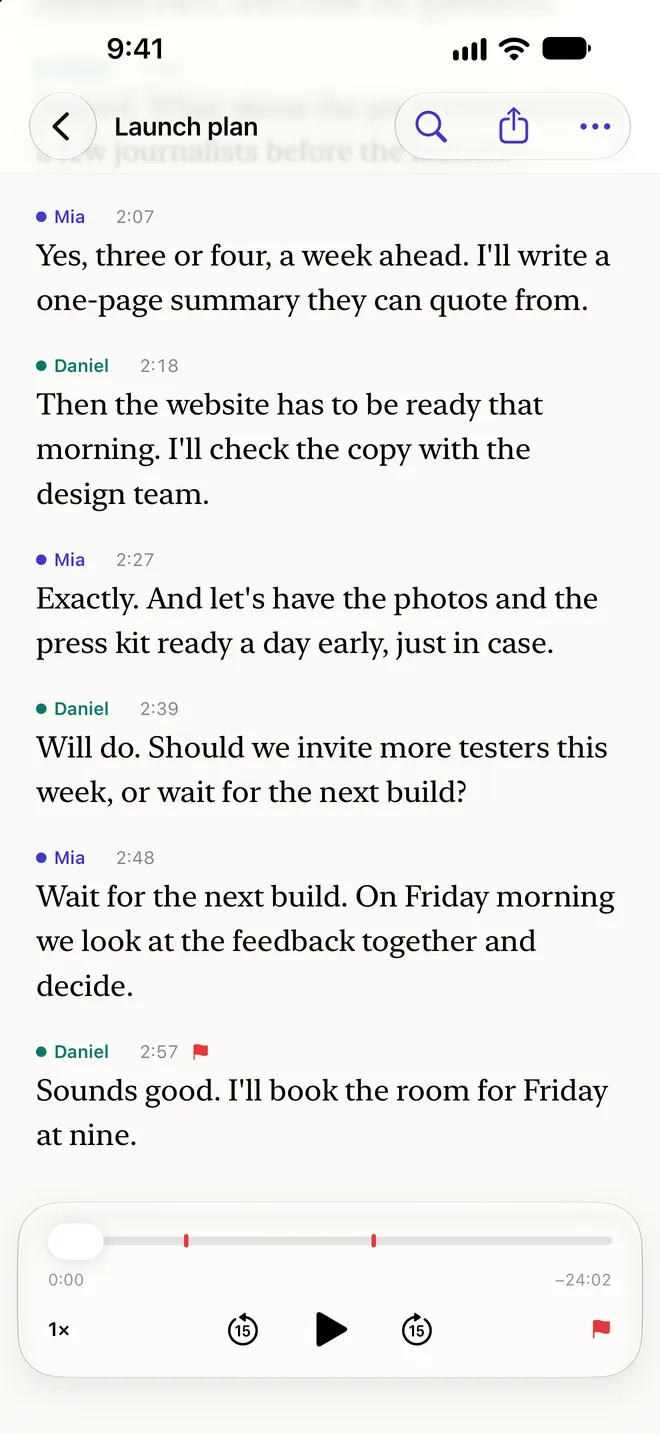
- Identify speakers and say there were two. Telling it how many people spoke gives the cleanest labels. Speaker labels work on recordings up to 90 minutes.
- Rename the speakers to your name and your interviewee's, or to "Interviewer" and a participant code for research.
- Check the language. The language is detected at the start of a recording. If the interview switches languages, or opens with small talk in a different one, transcribe it again in the language you choose.
For why labels sometimes mix up two voices, see how speaker diarization works.
Check every quote against the audio
A transcript is a draft until you've heard the quote. Machine transcription usually gets the gist right and can still be wrong about the details that matter most in an interview.
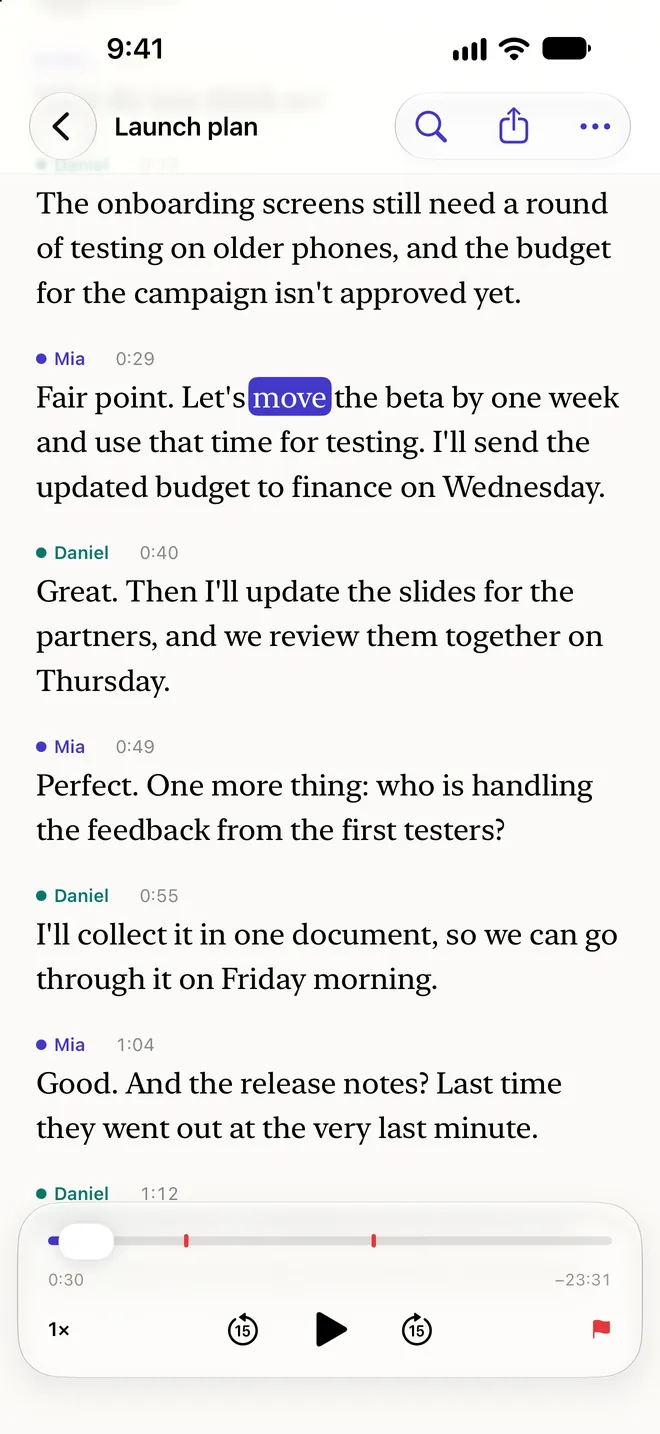
- Tap the first word of the quote. Playback starts there, and each word is highlighted as it's spoken, so you can read along.
- Slow it down. Drop to 0.75× for fast talkers or strong accents, and use the 15-second skip to replay a passage.
- Start with the marked words. Words Whisper was unsure of are marked; check those first.
- Watch the classic traps: numbers and dates, names, negations ("can" vs "can't"), and words that sound alike.
- Fix as you go. Touch and hold a word to correct it, and use Find and Replace when a name is wrong every time it appears.
Clean verbatim or full verbatim?
Decide before you start editing:
- Full verbatim keeps everything: "um," false starts, repetitions, laughter. It's useful for research that studies how people speak.
- Clean verbatim removes fillers and false starts but never changes the meaning. It's the usual choice for journalism and much interview research.
Either way, mark changes inside quotes the way your style guide says (brackets for added words, ellipses for cuts), and never tidy a quote into something the person didn't say.
Timestamps and export
- Timecodes. With Pro, export Subtitles (SRT). Every line gets a start and end time, so you have a timecoded transcript you can cite ("at 14:32") or hand to a video editor. Our guide to creating SRT subtitles from audio explains the format.
- Text. Copy the text or share it as plain text; with Pro, you can also export Markdown.
- Anonymizing research interviews. Use Find and Replace to swap names for participant codes (P1, P2) before you share a transcript, and keep the original audio somewhere only you control.
Keep sources confidential
With on-device transcription, the audio and the transcript never leave your phone. Hushtext has no account and no sign-in, and Chili Logic runs no servers that receive audio or transcripts. What happens after you export is up to you, so share files deliberately and only with the people who need them. Our private transcription checklist covers what else to think about for sensitive interviews.
FAQ
How long does it take to transcribe a one-hour interview?
Typing it by hand takes several hours. With transcription that writes the text while you record, the draft is almost ready when the interview ends, and your time goes into checking the quotes you'll use.
Should I check the whole transcript or just the quotes?
For journalism, check the passages you'll quote or paraphrase and use the rest for searching and reference. For research you'll code or analyze, check the whole transcript against the audio.
Can I transcribe an interview recorded on another device?
Yes. Import the audio or video file into a transcription app, or share it from Files or another app. In Hushtext, imported files are transcribed on the device, the same as its own recordings.
How do I transcribe an interview in another language?
Whisper recognizes nearly 100 languages and detects the language automatically. If the interview mixes languages, transcribe it again in its main language for the cleanest text.