How Offline Speech to Text Works, and When You Need It
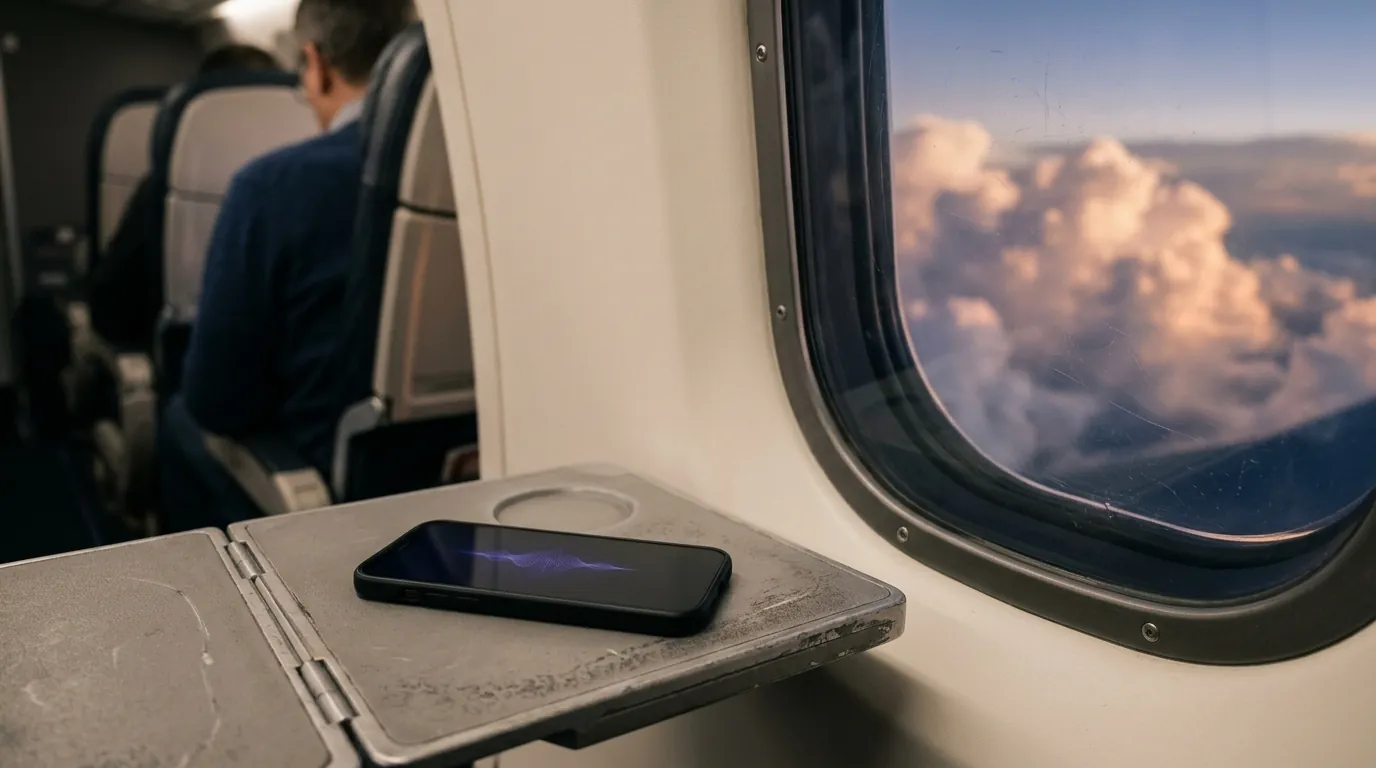
Offline speech to text means the speech recognition model runs on your own phone or computer, so your voice becomes text without being uploaded to a server and without an internet connection. On a recent iPhone, an app with a built-in model can transcribe a whole meeting in Airplane Mode. The trade-offs are real but manageable: you need a newer device, the app is a bigger download, and long transcriptions use your battery instead of someone else's servers.
What "offline" actually means
Many transcription apps and services work the same way under the hood. They record audio on your phone, upload it to a company's servers, run speech recognition there, and send the text back. That's cloud transcription. It can work well, but your recording leaves your hands, and nothing happens without a connection.
On-device transcription moves the model itself onto your phone. The phone's own chip turns the audio into text, and both stay on the phone unless you choose to share them.
Watch out for a middle ground that sounds offline but isn't: apps that let you record without a connection, then upload the audio for transcription once you're back online. Every phone can record offline. Transcribing offline is the part that matters.
Why on-device transcription matters
Privacy you don't have to take on trust
When audio never leaves the device, you don't need to study a company's retention policy to know who can hear it. Nobody else has a copy. That matters most for conversations you'd never email to a stranger: a doctor's appointment, a client call, a journal entry, a source who asked not to be named. If that's your situation, our privacy checklist for confidential transcription covers the remaining steps, like backups and sharing.
It works where the internet doesn't
Planes, trains, basements, lecture halls with overloaded Wi-Fi, a trip abroad without a data plan. An on-device app transcribes the same way in all of them, because the connection was never part of the process.
No upload, no waiting in line
A two-hour recording is a large file. With a cloud service, it has to upload, wait its turn for processing, and come back. On the device, the work can happen while you record, so the transcript is ready at about the moment you stop.
Nothing to sign in to
When nothing is stored on a server, there's often no reason for an account. Fewer accounts means fewer passwords and fewer places your data could leak from.
The trade-offs
On-device transcription isn't free of costs. They're just different costs, and it's worth knowing them before you choose.
- It needs a recent device. Accurate speech models are large, and running them at a useful speed takes a modern chip. Older phones either can't run them or would take far too long.
- The app is a bigger download. The model ships inside the app, so expect a larger install than a simple notes app.
- It uses your battery. Your phone does the work a data center would otherwise do. For a long session, start with a good charge or keep the phone plugged in, and don't be surprised if it feels warm while it works through a long file.
- Your phone sets the pace. A long imported file is transcribed at the speed of your device, not a server farm.
- Moving transcripts is up to you. With no server in the middle, there's no website to log in to from another computer. You move text by copying, exporting or sharing it.
Accuracy is the trade-off people worry about most. Cloud services can run big models on big hardware, while an on-device app has to fit its model on a phone. That's why the choice of model matters. Whisper Large V3 Turbo, from OpenAI's open-source Whisper family, keeps accuracy close to Whisper Large V3 while running several times faster, which is what makes a model of that size practical on a phone. Our plain-English guide to Whisper Large V3 Turbo explains what it is and where it still makes mistakes.
How to check whether an app really transcribes offline
App descriptions don't always make the difference clear. This test takes two minutes:
- Open Control Center and turn on Airplane Mode. Check that Wi-Fi is off too: if you turned Wi-Fi back on during an earlier flight, your iPhone remembers and keeps it on in Airplane Mode.
- Open the app and record about 30 seconds of normal speech.
- Stop and see whether text appears. If the app says it will transcribe when you're back online, it uploads your audio.
- Try importing an audio file as well, since some apps handle recordings and imports differently.
- Read the App Privacy section on the app's App Store page, and notice whether the app asks you to create an account before you can use it.
An account requirement doesn't prove an app uploads your audio. But an app that transcribes fully in Airplane Mode, with no sign-in, leaves very little room for doubt.
How Hushtext does it
Hushtext is built around on-device transcription. It runs OpenAI's Whisper Large V3 Turbo inside the app, entirely on your iPhone or iPad, and it works the same in Airplane Mode. Text appears while you record, because Whisper writes it live every few seconds, so when you stop, the transcript is almost ready. There's no account, no sign-in, no ads and no analytics, and Chili Logic runs no servers that receive audio or transcripts.
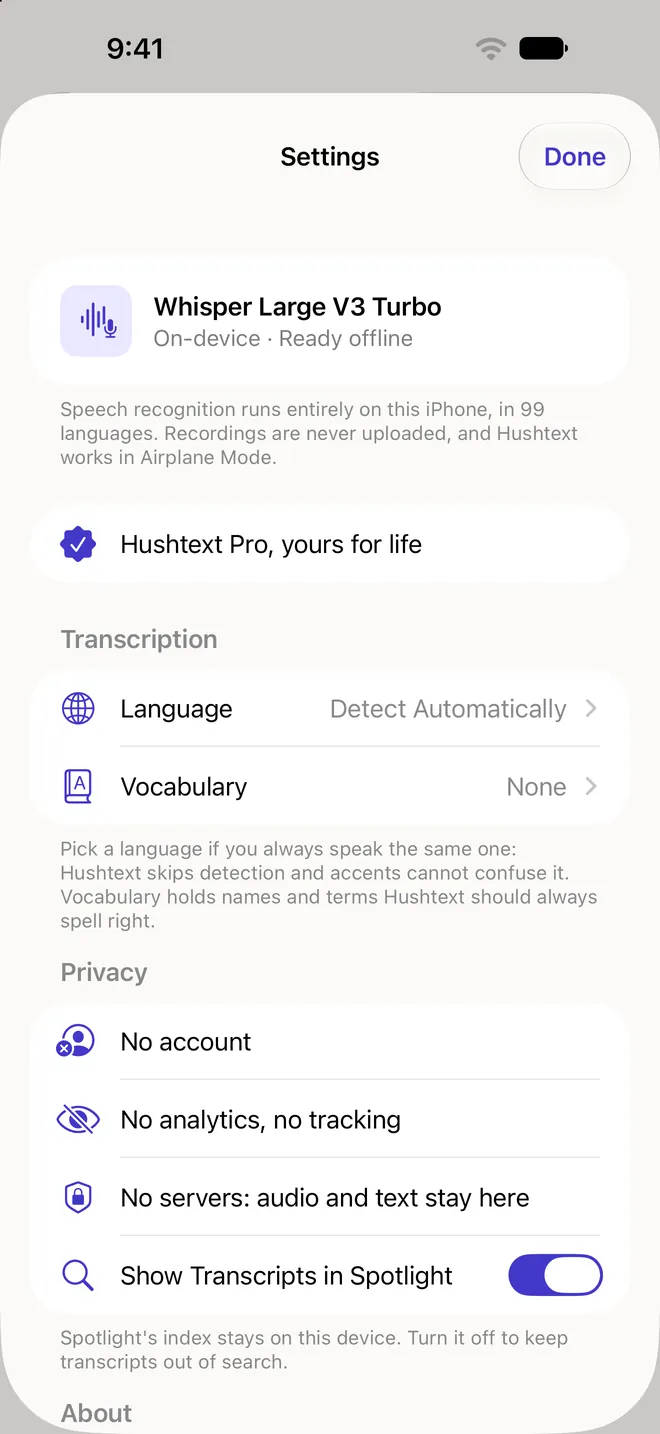
The trade-offs above apply to Hushtext too. Transcription needs an iPhone 13 or later, or an iPad with an A15 or M1 chip or later. Long recordings keep transcribing in the background, so you can lock the phone during a lecture or meeting.
If you mainly want to type a quick message by voice, the keyboard's dictation may be all you need. For recordings, long-form notes and anything you'll want to search or replay later, see iPhone dictation vs a transcription app.
When cloud transcription still makes sense
Offline isn't the only right answer. If your phone is too old to run a large model, or your team needs to share and comment on transcripts in a web app, a cloud service may fit better. The useful question is simple: does this recording contain anything you wouldn't want stored on a stranger's server? If it does, keep it on the device.
FAQ
Does offline speech to text work in Airplane Mode?
Yes, if the speech model runs on the device. That's also the easiest test: turn on Airplane Mode, make sure Wi-Fi is off, and record. If text still appears, the app transcribes offline.
Is offline transcription less accurate than cloud transcription?
Not necessarily. Accuracy depends mostly on the model and on the recording itself, and a clear recording with the microphone close to the speaker matters whichever way it's transcribed. Our tips to improve transcription accuracy help in both cases.
Does on-device transcription drain the battery?
It uses more power than recording alone, because the phone does the work itself. For short notes it hardly matters; for hours of audio, start with a good charge or plug in.
Can I use offline speech to text on an older iPhone?
It depends on the app and its model. Hushtext's transcription needs an iPhone 13 or later, because a large speech model needs a recent chip to run at a useful speed.