How to Transcribe Phone Calls on iPhone
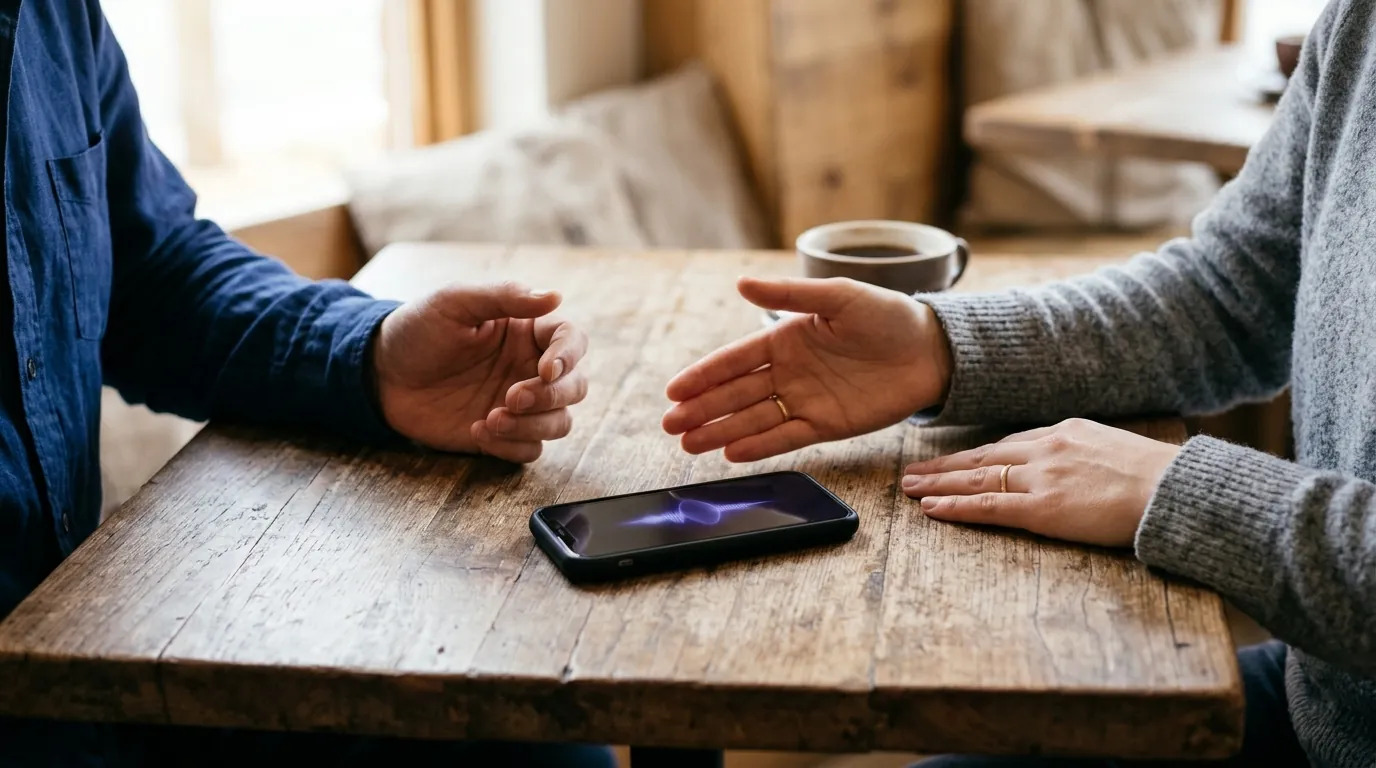
Apps generally can't record a phone call on the same iPhone, so a transcription app on that phone can't capture your calls directly. What works instead: in some regions, recent iOS versions can record a call from the Phone app, announcing it to everyone on the call, and you can then transcribe that saved recording; or you can put the call on speaker and record it with a second device. Either way, everyone on the call should know.
This article is general information, not legal advice. Recording laws differ from place to place; check the rules where you and the other people on the call are.
Why apps can't record your calls
On iPhone, a phone call takes over the microphone, and the call audio stays with the call. Apps from the App Store generally have no way to capture it.
That's why a recording app reacts to a call instead of recording it. Hushtext, for example, pauses a recording when a call comes in rather than ending it, and you resume when the call is over. The call itself isn't in the recording.
Services that offer call recording on iPhone typically add a recording line to your call, as a three-way call. That means the conversation passes through their systems, which is worth knowing before you use one for anything private.
Option 1: record the call with the Phone app
In some regions, recent iOS versions can record calls right from the Phone app. Everyone on the call hears an announcement that it's being recorded, so nobody is recorded without knowing.
- During a call, look for the record button on the call screen. If you don't see one, call recording isn't available to you.
- Tap it. Everyone on the call hears that the call is being recorded.
- When you stop recording or hang up, the recording is saved in the Notes app. Depending on your language, Notes may also show a transcript.
Transcribing it in another app
If the transcript in Notes is all you need, you're done. If you want to work with it further, for example with speaker labels, word-by-word playback or search alongside your other recordings, move the audio into a transcription app:
- Open the call recording in Notes.
- Use the recording's options to share it, or to save the audio to Files.
- Share it to your transcription app, or import it from Files.
In Hushtext, tell it there were two speakers to get "Speaker 1" and "Speaker 2" labels (for recordings up to 90 minutes), then rename them. Tap any word to hear that exact moment again, which is the quickest way to check a quote, a price or a date.
Option 2: transcribe a recording you already have
Sometimes the call is already recorded somewhere:
- Voicemail. If your carrier supports visual voicemail, open the voicemail in the Phone app and use its share button to send the audio to a transcription app.
- A call recorded on a computer. Move the file to your iPhone with AirDrop or through Files, then import it.
- A recording someone sent you. Save it to Files, or share it straight from the app it arrived in.
Hushtext imports both audio and video files, from inside the app or through the share sheet. Our guide to transcribing video and audio files on iPhone has the details.
Option 3: speakerphone and a second device
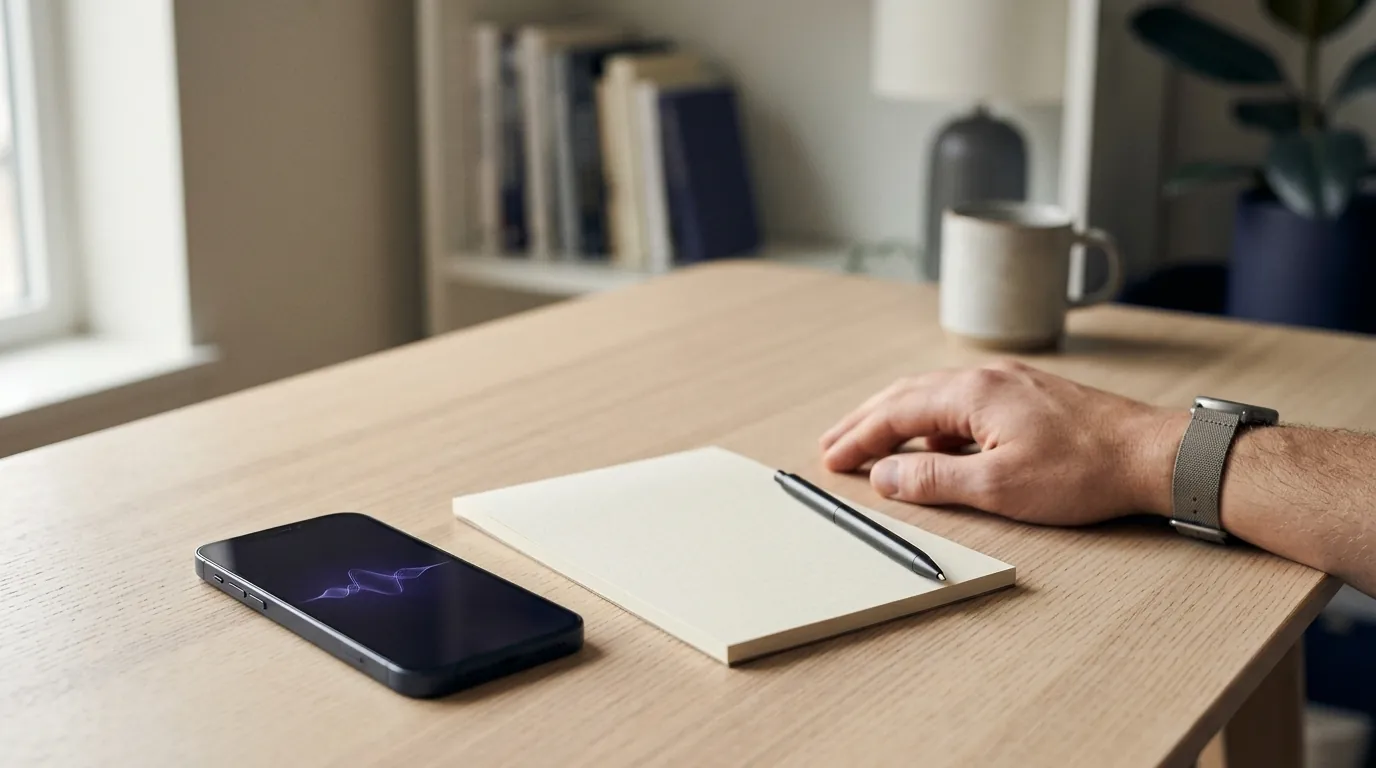
If the Phone app can't record where you are, use two devices: one for the call and one to record it.
- Find a quiet room. Close the door, and turn off fans and music.
- Put the call on speaker and turn the volume up, but not so high that the sound distorts.
- Place the recording device, such as an iPad or a second iPhone, close to the calling phone's speaker. Lay both on a table with nothing covering them.
- Balance the voices. Your voice is right there, while the other person's comes through a small speaker. Don't sit much closer to the recorder than the calling phone is.
- Tell everyone, then start recording. Unlike the Phone app's call recording, nothing announces it for you.
The same setup works for a call on a laptop: play it through the laptop's speakers and record with your iPhone next to it. If the "call" is really a meeting, see how to transcribe meetings without a bot.
Expect a bit more cleanup than with a voice in the room, because a voice through a phone speaker carries less detail. Hushtext marks the words Whisper was unsure of, so you know where to listen. Any device that records audio can be the recorder; to transcribe in Hushtext, you need an iPhone 13 or later, or an iPad with an A15 or M1 chip or later.
Which option should you use?
| Option | Who knows it's recorded | Good for |
|---|---|---|
| Phone app call recording | Everyone hears an announcement | Regular calls, where available |
| A recording you already have | Depends on how it was made | Voicemails, calls recorded elsewhere |
| Speakerphone and a second device | Only the people you tell | When the Phone app can't record |
Consent comes first
Whatever method you use, recording a call means recording a conversation:
- US federal law and most states allow recording a conversation you're part of (one-party consent).
- A minority of states, including California, Florida, Illinois, Maryland, Massachusetts, Pennsylvania and Washington, generally require everyone's consent.
- Calls often cross state lines and borders, and other countries have their own rules.
The safest practice is the same everywhere: tell everyone and ask, ideally with the recording already running so the agreement is on it. More in is it legal to record a conversation?
After the call: from transcript to notes
- Rename the speakers so the transcript reads like a conversation.
- Check every number, date and name by tapping the word and listening.
- With Hushtext Pro, Apple Intelligence can write a summary and to-dos on your iPhone, if your iPhone supports Apple Intelligence, it's turned on, and the call is in a language it supports.
- Copy the text, or share it as plain text.
FAQ
Can iPhone record phone calls?
In some regions, recent iOS versions can record a call from the Phone app, and everyone on the call hears that it's being recorded. Apps from the App Store generally can't record calls on the same iPhone.
Will the other person know I'm recording?
With the Phone app's call recording, yes: everyone hears an announcement. With a second device on speakerphone, they only know if you tell them, so tell them.
Why does my recording stop when a call comes in?
The call takes over the microphone. Hushtext pauses the recording instead of ending it, and you resume it when the call is over.
Can I transcribe a call recording without uploading it?
Yes. An app that transcribes on the device does the work on your iPhone, so the audio never has to leave it. Hushtext works this way, even in Airplane Mode.